configurator
no matches. pick a car with a similar body.
car colour
pick your car from the list. if you enter a year, use four digits.
no designs
click a sticker on the car to edit and move it.
add at least one element.
total
we attach the configurator preview to your order.
from a design to your car
use the 3d car decal configurator to compare designs before ordering. choose a preview car, add supported products and review the project in the summary.
- choose a car and paint colour. if your car is not listed, enter your vehicle details and choose a similar preview model.
- add ready-made decals, a sunstrip or banner. use the controls available for that element to adjust the design.
- review the selected elements, dimensions, quantities and price, then add the project to your cart.
the 3d view helps you compare placement and scale. check the selected product dimensions and your car before ordering.
start with a preview car
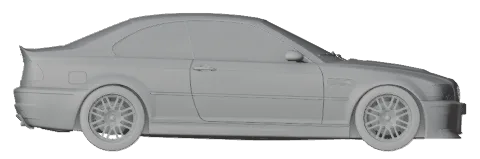
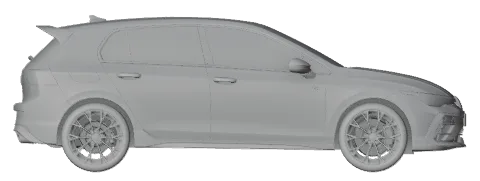
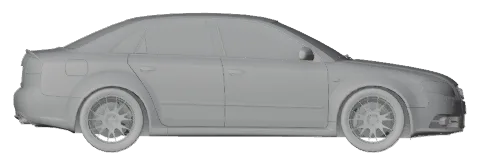
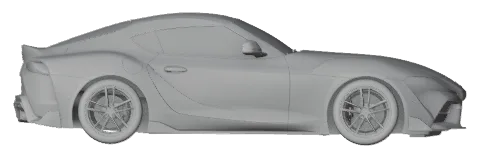
3d model previews, not product photographs. the model is for visualisation; enter the details of your own car.